Google Ads

Google Overseas Marketing

Google Search Ads

Covering 98% regions and 40+ languages worldwide, wide coverage and high accuracy; unlimited keywords/placement time, free to adjust the ranking and operate the background at any time.

Google Display Ads

Google Display Ads covers 96% internet platforms, including overseas news websites, overseas video websites, industry websites and overseas B2B platforms.

Google Mobile Ads

Displayed through mobile apps, mobile search, simple setup for Google and AdMob mobile apps.

Gmail Ads

Gmail is the most popular email app, with over 1 billion users worldwide; deliver exclusive and targeted ads in Gmail, with full-screen ads delivered straight to users' inboxes!

YouTube video ads

The world's largest video website, with 80% Internet users worldwide, 5 billion ad displays per day and 1 billion visitors per month.
Gmail Ads

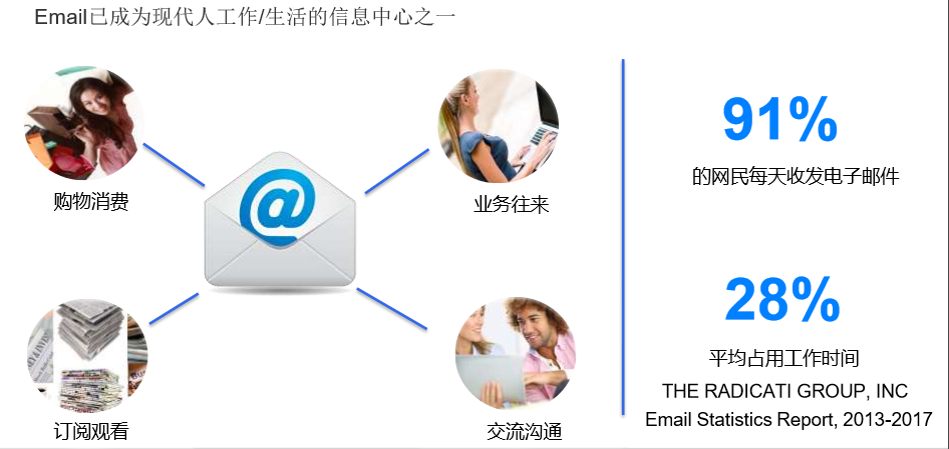
Gmail-the world's most used email system

What are Gmail Ads

GSP (Gmail Sponsored Promotions) is an advertising platform for Gmail that delivers engaging, full-screen advertisements directly to consumers' inboxes with exclusive and targeted ads in Gmail.

Why Gmail

Gmail is the most popular email application with over 1 billion users worldwide!

How to target Gmail ads?

1. Reach customers with specific audience profiles: You can target your customers in the following five ways
1) Age/sex
2) Geographical area/language
3) Device
4) Topics/interests (affinity audiences)
5) Keywords/Domains:

The method of using domain targeting can be used to target users who subscribe/receive emails from a particular company. Advertisers can add the targeted domain name to their ad keywords, for example, adding example.com to the keywords.

Note that the targeting methods related to audience characteristics are based on data that is publicly available to Gmail users (using Gmail to register for a site) or inferred by the system. Other targeting methods are based on the most recent non-spam content received by the user.

2. You can add Gmail ads to newly created or existing display campaigns. (We recommend you to create a new campaign for Gmail ads to manage your ads more easily)
3. In the Ads group, add mail.google.com targeting display location for your Gmail ads so that your ads will appear in the mailboxes of Gmail users.
For Gmail please select the "Target and bid" option in the targeting criteria options.
4. Gmail ads have an optimal display frequency. The frequency cap sets the maximum number of times an ad can be shown to a user (up to 4 times per week per user).

What forms do Gmail ads take?

1. Gmail ads can be displayed in the Promotions inbox tab on different devices. If a Gmail user opens it on a computer, they will see 2 ads; if they open it on a cell phone, they will only see 1 ad.
2. When a Gmail user clicks on an advertisement, it is like opening an email, and the advertiser is presented with the full advertisement page, and currently, the advertiser is only required to pay for this click.
3. Gmail advertisers can create Gmail ads in the ad creative pool. (Note: An ad group must have a Gmail ad and a mail.google.com display position in order to be displayed in Gmail)
4. Custom Ad Forms: You can create Gmail ads using the following ad templates, including custom HTML upload options, image templates, single promotion templates, and multi-product templates. You can add website link, phone link, embedded form or video in the custom HTML upload option.
The maximum number of times a user can be displayed (up to 4 times per week per user).

Scroll to Top